Audiobookshelf
Sign in with a password or an API key, and your progress and Playlists stay in step both ways. Your server remains the source of truth.
password or API keyMorrow is a native audiobook player for the books on an Audiobookshelf, BookOrbit, or Grimmory server you can sign in to, whether it runs in your home or somewhere else. No server yet? On iPhone and iPad, Morrow also plays audiobook files stored right on your device. Ad free and accessible on all your devices.

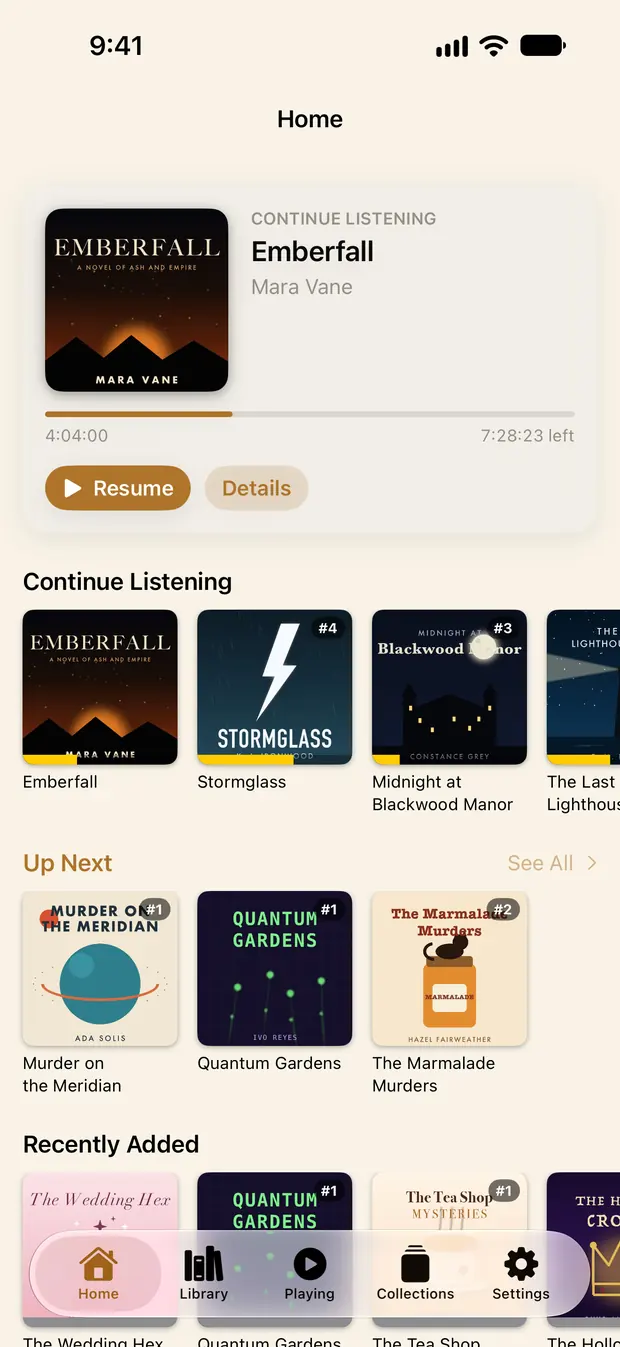
The demo above follows the iPhone app's layout and runs in your browser. The Android app has the same features in Android's own design.
From 0.5× to 2.5× in small steps, with voices kept at their natural pitch. Each book remembers its own speed.
15, 30 or 45 minutes, an hour, or the end of the chapter. When it stops, your place is saved.
Bookmark a moment to come back to. Listening history lists every session, so falling asleep mid-chapter never costs you your place.
Scrub within the chapter, or across the whole book. One tap switches the timeline between them.
Point it at a library you have access to. Morrow speaks to it directly, caches what it needs, and never puts a catalog between you and your shelf. With Morrow Unlock, connect more than one server and switch between them in a tap. Each library keeps its own books and progress; Morrow never mixes them.
Connect Audiobookshelf, BookOrbit, or Grimmory with the address and sign-in you already use.
Add the address and sign-in they gave you. You don't need to run anything yourself.
Import or link audiobook files on your iPhone or iPad and listen, no server needed. Android is next.
Sign in with a password or an API key, and your progress and Playlists stay in step both ways. Your server remains the source of truth.
password or API keyUsername and password, or a Magic Link if that is how your account works. Smart Scopes arrive as collections.
password or Magic LinkSeries, narrators, and Shelves arrive exactly as you arranged them. Older Booklore servers connect here too.
username & passwordThe same web address you use to open your server in a browser, at home or away.
A username and password. Audiobookshelf also takes an API key, and BookOrbit a Magic Link.
Morrow checks it can reach your library before you save. Then your books are there.
Step by step for each server: Audiobookshelf, BookOrbit, Grimmory.
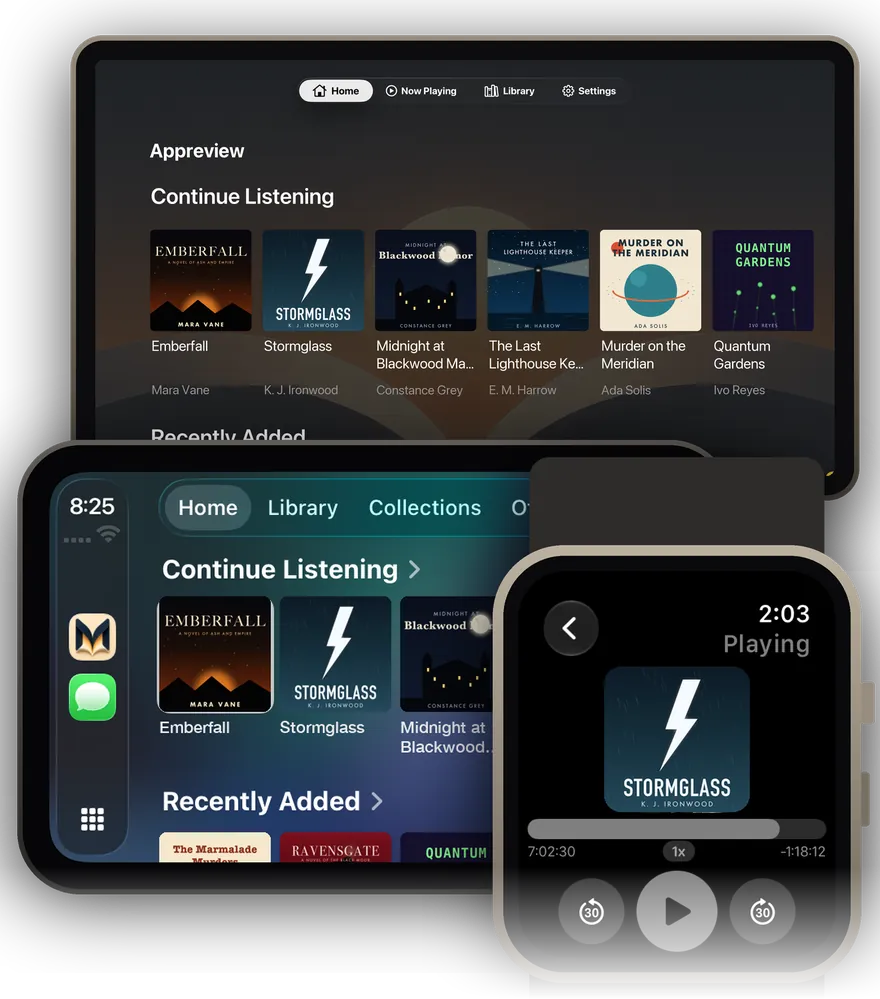
From the car with CarPlay to your watch on a run, Morrow has you covered from device to device
That is how the phone, the Watch, the car, the TV, and the server's own web player all agree on where you stopped. Even when the server re-imports a book. On Grimmory, your Apple devices pick up each other's spot too.
On Apple devices, your servers, Up Next, and Home shelves can be kept in your own iCloud, end-to-end encrypted. It is off until you turn it on. On Android, your servers, settings, and listening history come back from your phone's Google backup, with passwords end-to-end encrypted by your screen lock. You can turn off password backup in Settings.
Download books for the plane, or let a playback cache keep what you stream, up to a size you choose. The next book in your queue can download itself.
iPhone, iPad, Apple Watch, Apple TV, CarPlay, Android, and Android Auto. Real screens from the app, shown with a demo library.
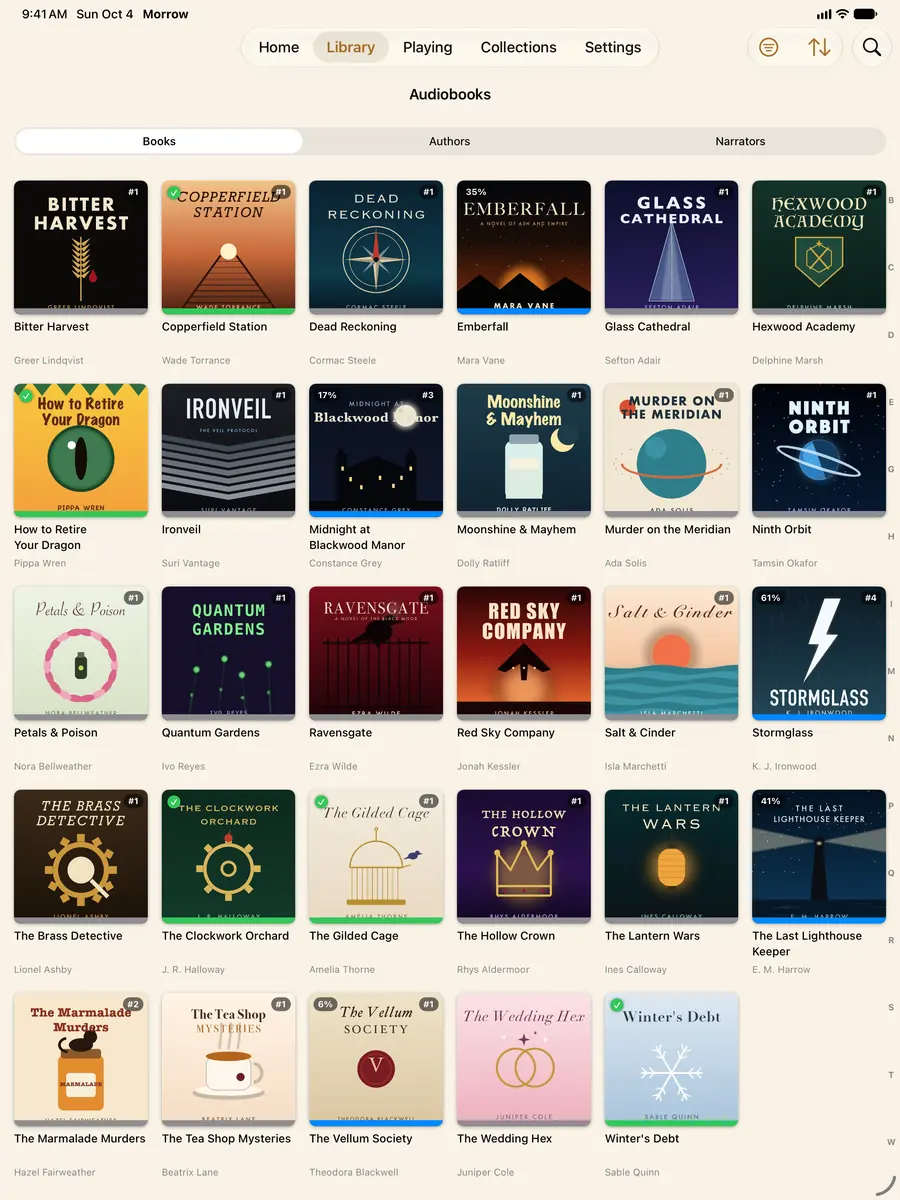
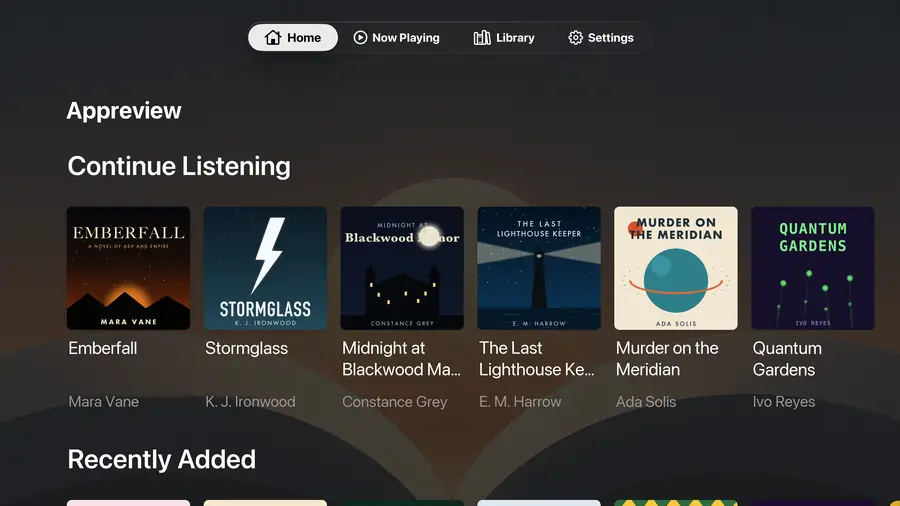
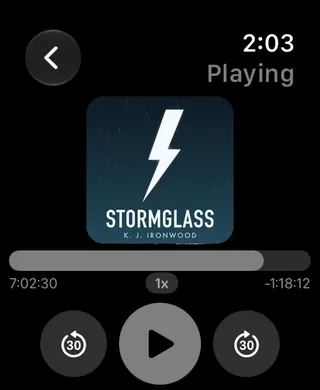
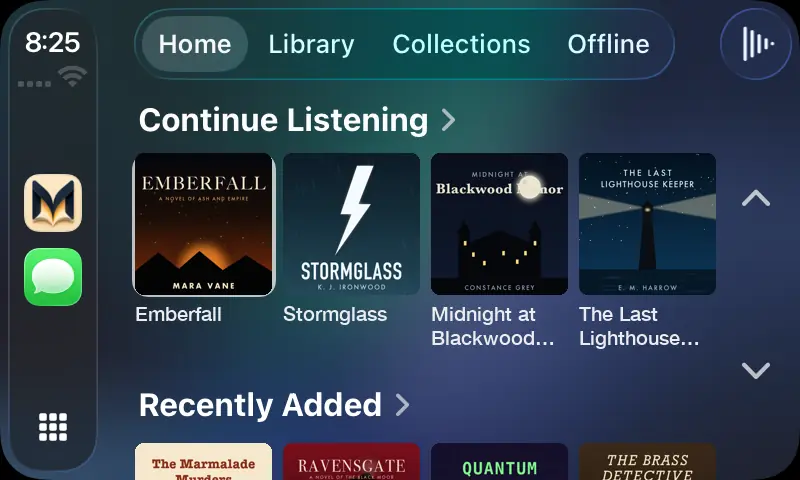
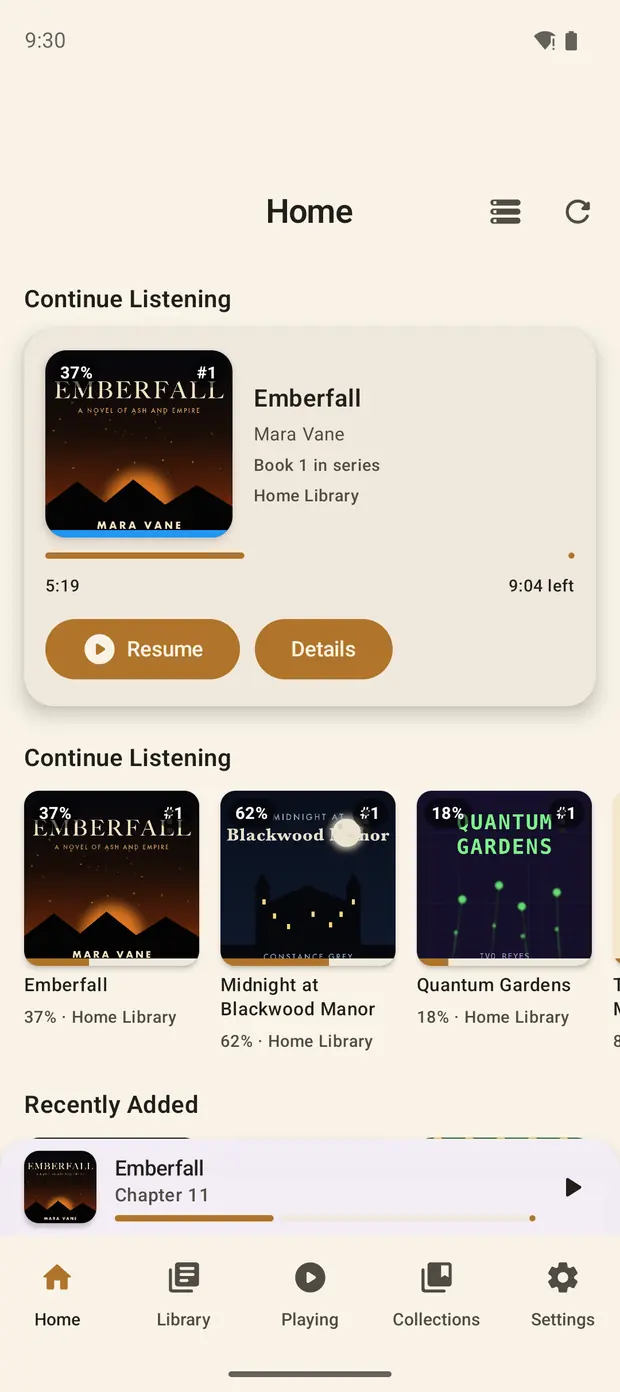
Search by book, author, or narrator. Libraries up to about 8,000 audiobooks load onto the device, so search answers instantly. Bigger ones page in from the server as you scroll. Try it on this sample shelf.
Six accent colors or any custom color, light or dark or following your device. Try it here: these swatches re-light this page and the demo phone.
Morrow never sends your data to Liftbridge Labs. Your library traffic runs straight from your device to your server. The one exception is a book lookup you ask for, which sends only a title and author to the catalog you choose. Credentials live in the iOS Keychain or Android's encrypted storage, and diagnostics never leave the device unless you mail them yourself.
Already built and in testing, headed to iPhone and iPad next.
Connect to any http:// address. Morrow warns you first that your password isn't encrypted.
Switch between iPhone, iPad, Apple TV and Android on a Grimmory server and Morrow finds where you left off.
Type your server's address and Morrow works out which kind of server it is.
Your listening shows up in Audiobookshelf's own sessions, and you can send past listening too.
A fresh look for Continue Listening on Home.
Bought Morrow Unlock or left a tip? You get a badge in Settings. Thank you.
Everything you need to listen is free. A one-time unlock adds the extras, and there is never a subscription.
iPhone, iPad, Apple Watch, Apple TV, and CarPlay from the App Store. Android phones, tablets, and Android Auto from Google Play.
No ads, no catalog, no account. Morrow never sees your library. The connection runs straight from your device to your server. And if you want to leave a tip, tips exist. They buy nothing but goodwill.